
Nerdle Keyboard Reading: 8 Proven Ways to Track Keys
After each Nerdle guess, the on screen keyboard changes color, and those colors are free information. Many players glance at them and move on. Smart players read them like a map. These nerdle keyboard reading tips give you 8 proven ways to track keys and let the keyboard do half your thinking.
The keyboard is the one place where every clue from every guess lives together. Learn to read it well, and you will stop rereading the grid for information you already have. Good nerdle keyboard reading turns a colorful key row into a cheat sheet that updates itself.
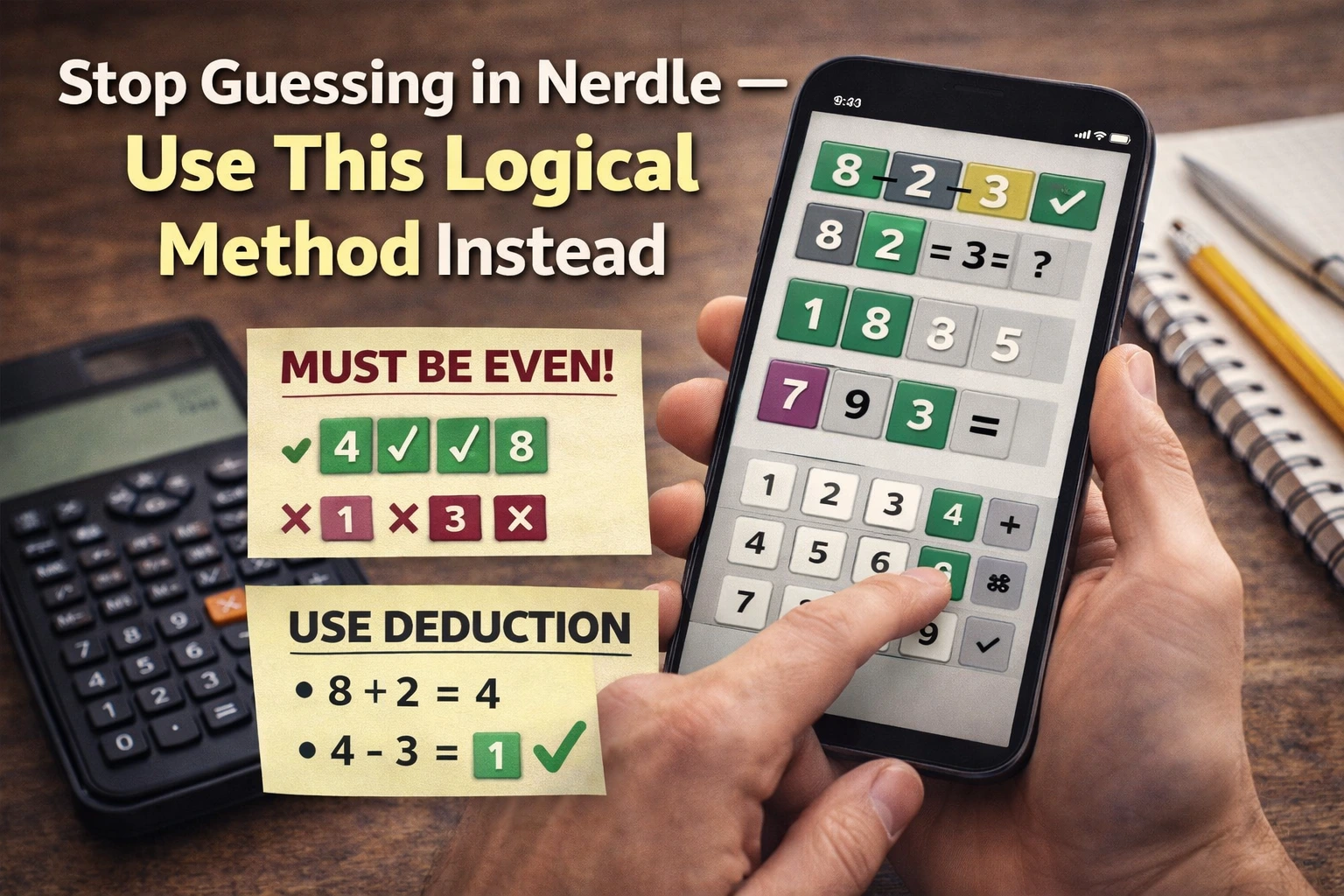
Why the Keyboard Is Your Best Clue Board
The grid shows guesses one row at a time, but the keyboard shows everything at once. Ten digits, four operators, and the equals sign each carry the best color they have earned. Reading that board takes two seconds and saves many more.
Most mistakes in Nerdle come from forgetting a clue, not from bad math. The keyboard never forgets. Players who practice nerdle keyboard reading cut repeat errors fast because the board reminds them before they type.
Way One: Scan the Whole Row Before Every Guess
Before you type guess two and beyond, sweep your eyes across the entire keyboard. Note which keys are green, which are purple, and which went black. This scan takes two seconds and frames your next guess.
Players who skip the scan often reuse a black key or forget a purple one. A full row scan is the simplest nerdle keyboard reading habit, and it prevents the most errors. Make it automatic: scan, then type.
Way Two: Trust Green Keys as Locked Answers
A green key means that character sits in that slot in the answer. Type green keys in their green positions every time and never experiment with them. Locking green keys is free progress.
Our Nerdle purple tiles guide explains how purple differs from green. Green is a promise, so build every guess around your green keys first.
Way Three: Never Type a Black Key Again
Black keys are banned characters. When a key turns black, it leaves your typing options for good. The only hard part is remembering, and the keyboard does that for you.
Our Nerdle black tiles guide covers what black really means. Combine that knowledge with nerdle keyboard reading and banned keys stay banned.
Way Four: Hunt Purple Keys for New Homes
Purple keys belong in the answer but in a different slot. Before each guess, pick your purple keys and decide where each one moves. The keyboard shows them all, so plan their new positions deliberately.
Do not let a purple key sit in the same slot twice. Move it, and use the keyboard colors to confirm the move worked. Consistent purple hunting is advanced nerdle keyboard reading in action.
Way Five: Read the Operator Keys as a Group
The four operator keys are few, so their colors speak loudly. One green operator can lock your whole equation shape. One black operator can rule out entire families of guesses.
Our Nerdle operators guide teaches each sign. Read the operator keys together with the digit keys and your equation structure plans itself.
Way Six: Watch the Equals Key Closely
The equals sign is the spine of every equation, and its keyboard color tells you where it can live. A green equals key fixes your structure instantly. A black equals key in a slot tells you to move it.
Our Nerdle equation structure guide shows how to place it. Keyboard reading turns equals placement from a guess into a deduction.
Way Seven: Count Colors, Not Just Keys
Step back and count: how many green keys, how many purple, how many black? A board that is mostly black means your remaining pool is small, so guess boldly. A board full of purple means you have the pieces and need positions.
These counts guide your strategy for the guess. Numbers players who do this nerdle keyboard reading step spend fewer guesses wandering. Let the totals tell you how aggressive to be.
Way Eight: Photograph the Board in Your Mind
After your scan, close your eyes for one second and picture the colored keys. This tiny mental snapshot keeps the clues active while you build your guess. Memory plus the visible board beats the visible board alone.
Practice this until the snapshot is instant. Combined with the official Nerdle site open in front of you, mental snapshots make every guess feel calmer and more certain.
Frequently Asked Questions About Nerdle Keyboard Reading
Should I trust the keyboard more than the grid? Use both, but the keyboard is the summary. The grid shows history, the keyboard shows conclusions. When they seem to disagree, reread the grid row, then trust the keyboard.
What if I forget a purple key? It happens, and the keyboard forgives you, since the purple key stays purple until you place it right. Slow down and scan again. Forgiving yourself keeps the streak mindset from our Nerdle streak tips intact.
Does keyboard reading work on mobile? Yes, though the keys are smaller. Zoom in for your scan if needed, as our Nerdle mobile tips explain. The colors work the same on every screen.
How do I practice this skill? Do one slow game where you narrate the keyboard before each guess: say the greens, purples, and blacks out loud. Three narrated games on the official Nerdle site will make scanning automatic.
Read the Keys and Win More
The 8 proven ways in these nerdle keyboard reading tips turn the key row into your private coach. Scan every guess, trust the greens, ban the blacks, and move the purples. The board always tells the truth.
Play your next daily with the keyboard as your focus and notice how few guesses you waste. Small screens reward careful players, and careful players read their keys.
Extra Nerdle Keyboard Reading Habits
Three bonus habits for dedicated readers. First, compare the keyboard before and after each guess and name what changed. Second, keep a finger near the keys you plan to use, which speeds typing. Third, review screenshots of old keyboards weekly and spot the reads you missed.
These habits compound. After a month of real nerdle keyboard reading, you will feel the difference in every game, and your guess counts will show it.
More Nerdle Keyboard Reading for Daily Wins
Two final nerdle keyboard reading ideas close out your training. First, teach the scan to a friend and narrate one full game together, because explaining the colors cements them in your own mind. Second, set a personal rule: no guess is typed until the scan is done. Rules beat willpower on hard days.
What matters most is that the keyboard becomes the first place you look and the last place you doubt. After a week of disciplined nerdle keyboard reading, your guess counts will drop, your confidence will rise, and the daily puzzle will feel like a conversation with a board that always answers honestly.
Third, celebrate small reading wins: the day you catch a purple key you would have missed, or the game where no black key sneaks back in. Noticing your own improvement is the fastest way to make nerdle keyboard reading permanent, and permanent skills are what win streaks.



2 Comments